Configure guide
Wechaty and CowAgent: understanding the WeChat channel options
What Wechaty is, how it relates to older chatgpt-on-wechat setups, and which WeChat, WeCom and Official Account channels CowAgent documents today.
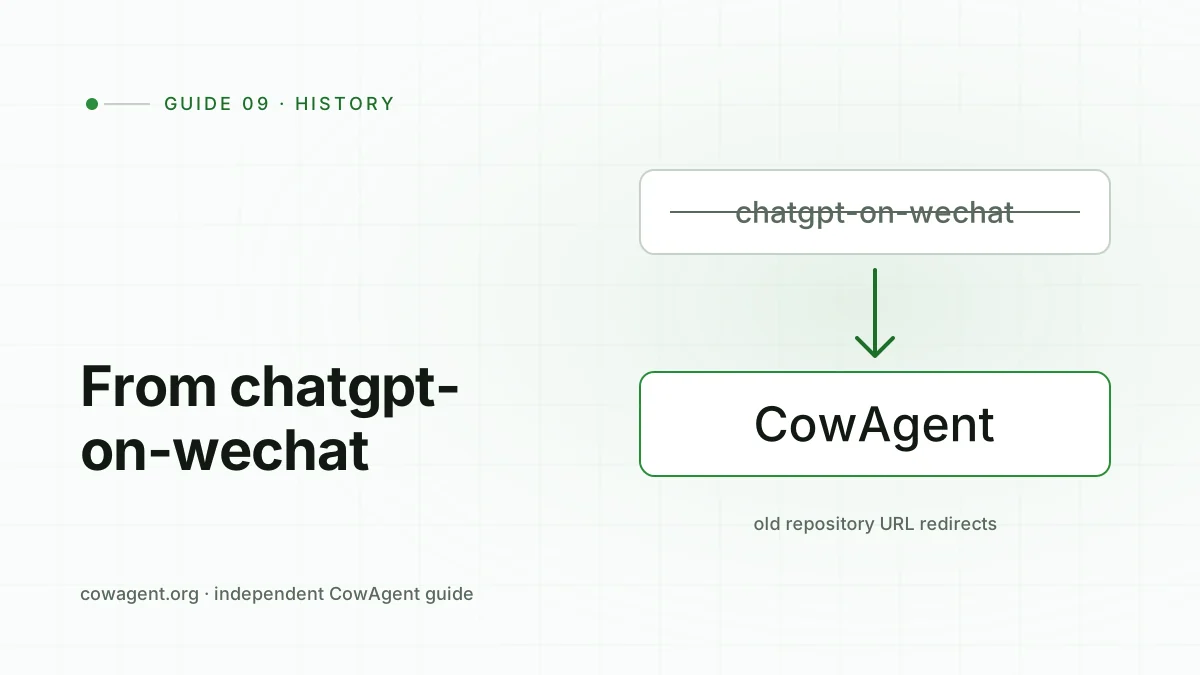
Because CowAgent began as chatgpt-on-wechat, many people arrive with WeChat in mind and with older tutorials that mention Wechaty. This guide separates the two, lists the WeChat-family channels CowAgent documents now, and helps you pick the right one.
Key takeaways
- Wechaty is a separate open-source chatbot SDK, not part of CowAgent.
- The current CowAgent channel table does not list a Wechaty channel.
- Choose between WeChat, WeCom Bot, WeCom App, Customer Service and Official Account based on who you need to reach.
What Wechaty is
Wechaty is an independent open-source SDK for building conversational bots, best known for WeChat bots. It is its own project with its own maintainers, and it is not a component of CowAgent.
Community tutorials from the chatgpt-on-wechat years sometimes describe Wechaty-based or other unofficial bridges for personal accounts. The channel table in today's CowAgent README does not include a Wechaty channel, so if you follow an old guide that relies on one, expect it not to match the current code. Use the current channel documentation instead.
The WeChat-family channels CowAgent documents
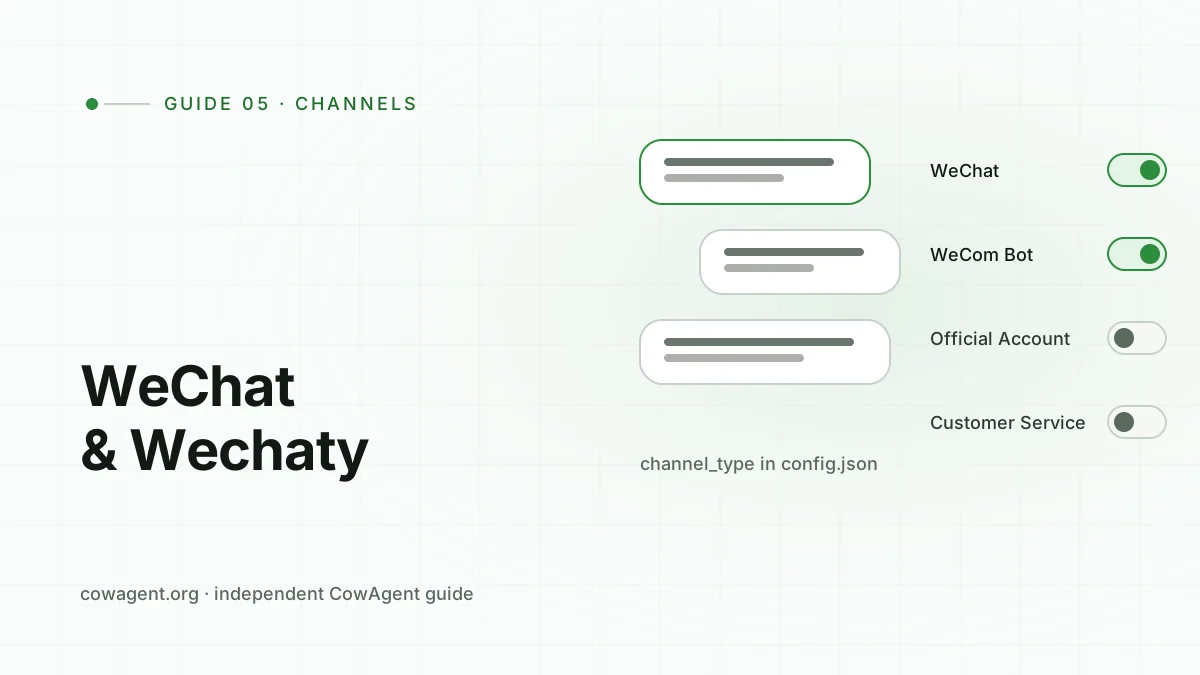
| Channel | channel_type | Text | Image | File | Voice | Group |
|---|---|---|---|---|---|---|
weixin | Yes | Yes | Yes | Yes | No | |
| WeCom Bot | wecom_bot | Yes | Yes | Yes | Yes | Yes |
| WeCom App | wechatcom_app | Yes | Yes | Yes | Yes | No |
| WeChat Customer Service | see docs | Yes | Yes | Yes | Yes | No |
| WeChat Official Account | wechatmp / wechatmp_service | Yes | Yes | No | Yes | No |
Capability marks follow the README's channel table. “No” here means the table does not tick that capability for the channel.
Choosing a channel
- Just for you: the WeChat channel or the desktop client's QR-code onboarding keeps things simple.
- Inside a company: WeCom Bot supports group chats, which suits a team assistant. WeCom App fits organisations already building internal apps.
- Serving the public: an Official Account or WeChat Customer Service puts the agent in front of followers or customers.
Each option requires the matching account or admin rights on the platform, and each platform sets its own rules for bots. Read those terms before automating anything.
Setting a channel up
Most channels can be onboarded from the web console, and the desktop client can connect supported platforms by QR code. On a source install you can also set channel_type in config.json. A single agent instance can serve several channels in parallel, so adding WeChat does not mean giving up the web console.
Beyond WeChat
The same agent can also sit in Feishu / Lark, DingTalk, QQ, Telegram, Slack and Discord. If your team spans regions, connecting one Chinese platform and one global one is a common pattern.
Where to go next
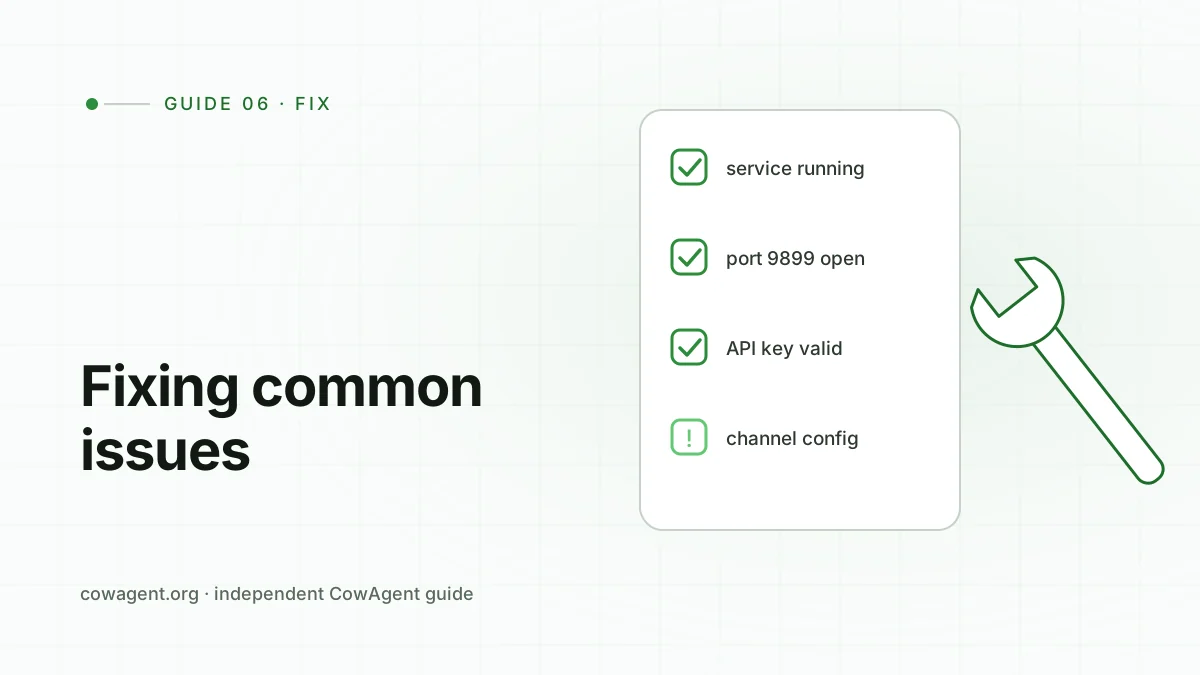
For background on why WeChat is so central here, read the chatgpt-on-wechat history. If replies do not arrive, check the troubleshooting guide.