Configure guide
Using DeepSeek with CowAgent: a model setup walkthrough
Connect DeepSeek to CowAgent from the web console, learn which capabilities it covers, pair it with other providers and keep agent costs down.
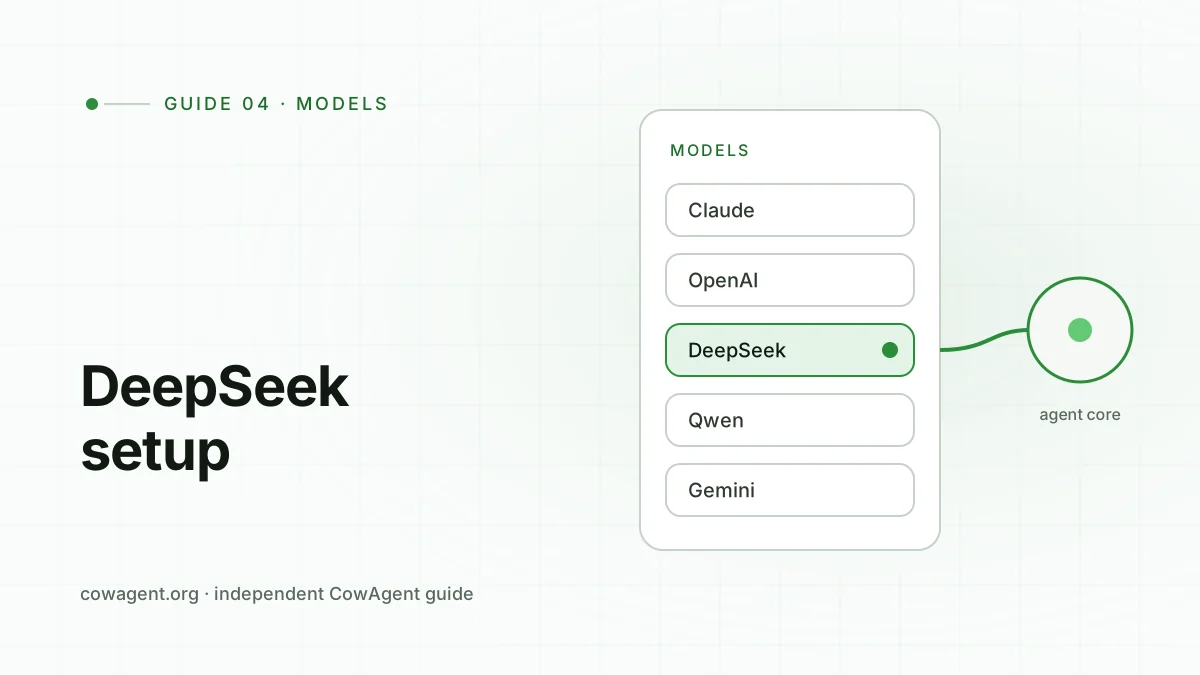
DeepSeek is a popular choice for CowAgent users who want a capable model at a modest price. CowAgent lists it among its supported providers, and setting it up takes a few minutes in the web console or desktop app. The more interesting decisions come afterwards: which capabilities to route elsewhere and how to keep agent-mode token use sensible.
Key takeaways
- DeepSeek is a documented CowAgent provider for chat and vision.
- Image generation, speech and embeddings need a second provider that supports them.
- Fallback models, prompt caching and /compact help control cost in agent mode.
What the DeepSeek integration covers
The README's model table lists DeepSeek with deepseek-flash (V4.1) and pro as featured models and ticks two capabilities: chat and vision. Image generation, speech recognition, text-to-speech and embeddings are not listed for DeepSeek.
That matters because CowAgent routes each capability separately. You can let DeepSeek handle conversation and reasoning while another provider, such as Qwen, GLM, OpenAI or LinkAI, supplies embeddings for the memory system or speech for voice messages.
Step 1: get a DeepSeek API key
Create a key in your DeepSeek developer account and store it somewhere safe. Treat it like a password: anyone holding it can spend your balance. Most providers let you set a usage limit, which is worth doing before you let an agent run long tasks.
Step 2: add DeepSeek on the Models page
- Open the web console at
http://localhost:9899, or the desktop client. - Go to Models and choose DeepSeek as the provider.
- Paste the API key, select the model and save.
- Open Chat and send a short test message.
Providers are configured directly in the console, so there is no need to edit files by hand. If you prefer configuration files on a source install, the docs on docs.cowagent.ai describe the matching keys.
Step 3: pair DeepSeek with other providers
| Capability | DeepSeek | Example alternatives in the README |
|---|---|---|
| Chat | Listed | Claude, OpenAI, Qwen, Kimi |
| Vision | Listed | Claude, Gemini, GLM |
| Embeddings | Not listed | OpenAI, GLM, Qwen, Doubao |
| Speech (ASR/TTS) | Not listed | OpenAI, Qwen, MiMo |
| Image generation | Not listed | OpenAI, Gemini, Qwen, MiniMax |
Version 2.1.9 added configurable model lists with multiple fallback models, so the agent can switch to a backup when the primary provider has an outage.
Keeping agent-mode costs under control
The maintainers warn that agent mode consumes substantially more tokens than regular chat, because planning, tool results and memory all travel with each request. A few habits help:
- Run
/compactto compress long conversations. - Use reasoning-effort settings (added in v2.1.6) to avoid heavy reasoning on simple tasks.
- Stay on a recent version; v2.2.1 added prompt caching aimed at cutting context cost.
- Check your DeepSeek usage dashboard after the first few real tasks.
Where to go next
Ready to reach the agent from a chat app? See the WeChat channel options, or compare runtimes in CowAgent vs OpenClaw.