Configure guide
Fixing common CowAgent problems: console, models, channels and costs
A diagnostic checklist for CowAgent: console not loading on port 9899, model errors, silent channels, browser tool setup and high token use.
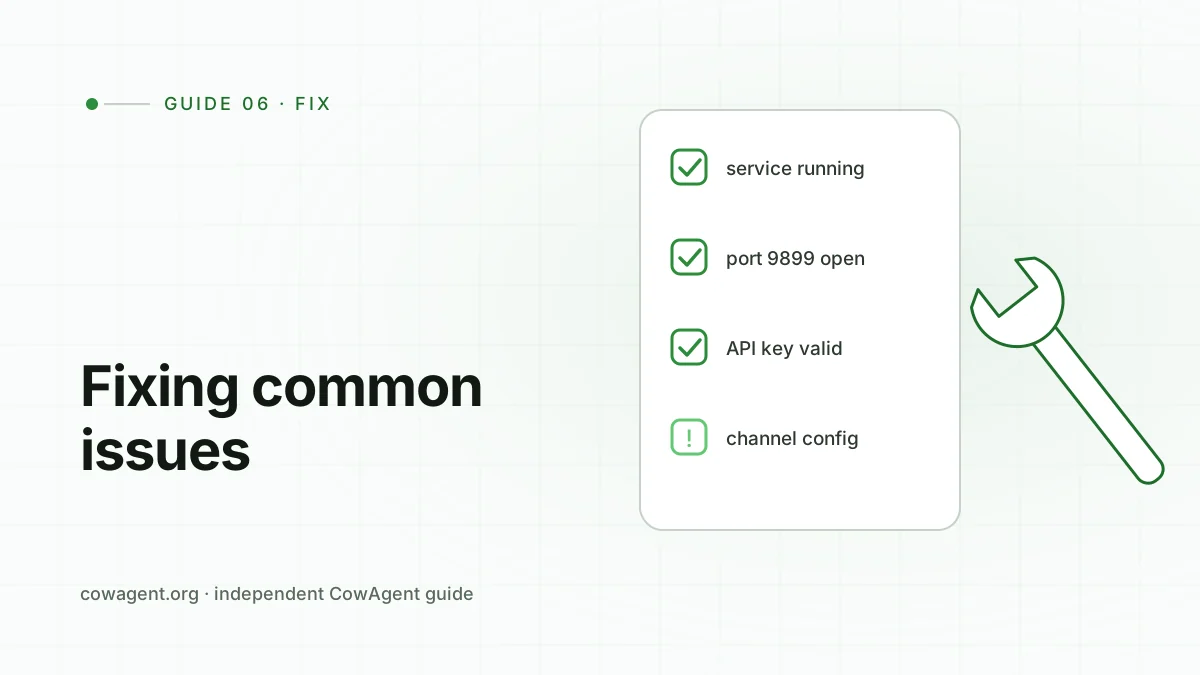
Most CowAgent problems fall into a handful of layers: the service, the console, the model provider, the channel or the tools. Checking them in that order saves a lot of guessing. This checklist follows the same path a message takes through the agent.
Key takeaways
- Work from the inside out: service, then console, then model, then channel.
- cow status and cow logs answer most questions before you change anything.
- Recent versions add diagnostics for MCP tool retrieval and context usage.
1. Is the service running?
cow status
cow logs
If the status is not healthy, the logs usually name the cause: a missing dependency, a malformed config.json or a port that is already taken. Fix the reported error, then run cow restart. Desktop users can skip this step, since the app manages its own runtime.
2. Can you reach the console?
- Same machine: open
http://localhost:9899. If it fails while the service is running, another program may be using port 9899. - Another device: set
web_hostto0.0.0.0, setweb_passwordand open port 9899 in the firewall or security group. - Password rejected: compare it with the config the running instance uses, then restart.
3. Does the model respond?
Errors in replies usually trace back to the provider. On the Models page, re-check the API key, the endpoint for custom providers and the model name. Make sure your account has balance and the model is available in your region.
Configuring fallback models lets the agent switch provider when one fails, which also makes outages less disruptive.
4. Is the channel delivering messages?
If the console works but a chat app stays silent, the problem is in the channel layer. Confirm the channel shows as connected in the console, that the bot or app has the permissions the platform requires, and that group-chat features are supported for that channel. The README's channel table shows which channels support groups, files and voice.
5. Are tools and skills working?
- Browser tasks fail: run
cow install-browserto add Playwright and Chromium. - An MCP server is ignored: saving it in Capabilities checks the connection and lists its tools. Retrieval diagnostics in v2.2.0 show why a tool was or was not chosen.
- A skill misbehaves: reopen its preview to see what it does, and reinstall from the original source if files changed.
6. Are costs higher than expected?
Agent mode sends planning steps, tool output and memory with each request, so it uses far more tokens than plain chat. Use /compact on long sessions, lower reasoning effort for routine tasks and choose a cost-balanced model. The context-usage visualisation added in v2.1.8 shows where the tokens go.
When you report a bug on GitHub, include your CowAgent version, install route, operating system and the relevant lines from cow logs, with any keys removed.
Where to go next
Related reading: web console login and passwords and running CowAgent from GitHub source.